What is Documentation Portal?
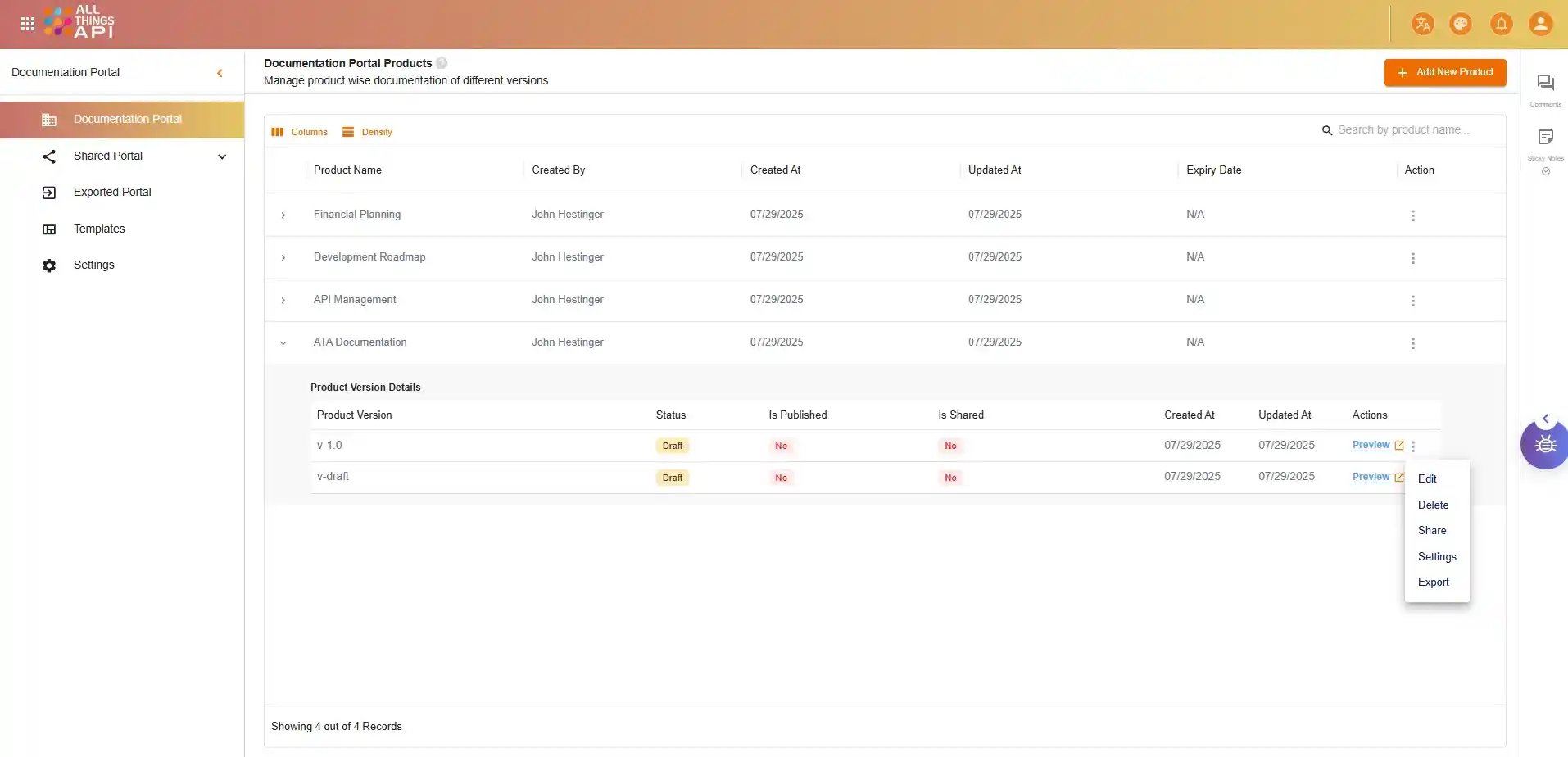
ATA documentation portal is primarily a product documentation tool that helps to build a clear structure and custom layout. Link existing APIs directly for references within your content. Manage documentation in multiple versions with controlled access and publishing states to maintain consistency across teams.
Version-Controlled Publishing
Easily manage multiple product versions with draft, active, and archived statuses ensuring content accuracy across product lifecycles.
Drag-and-Drop Page Builder
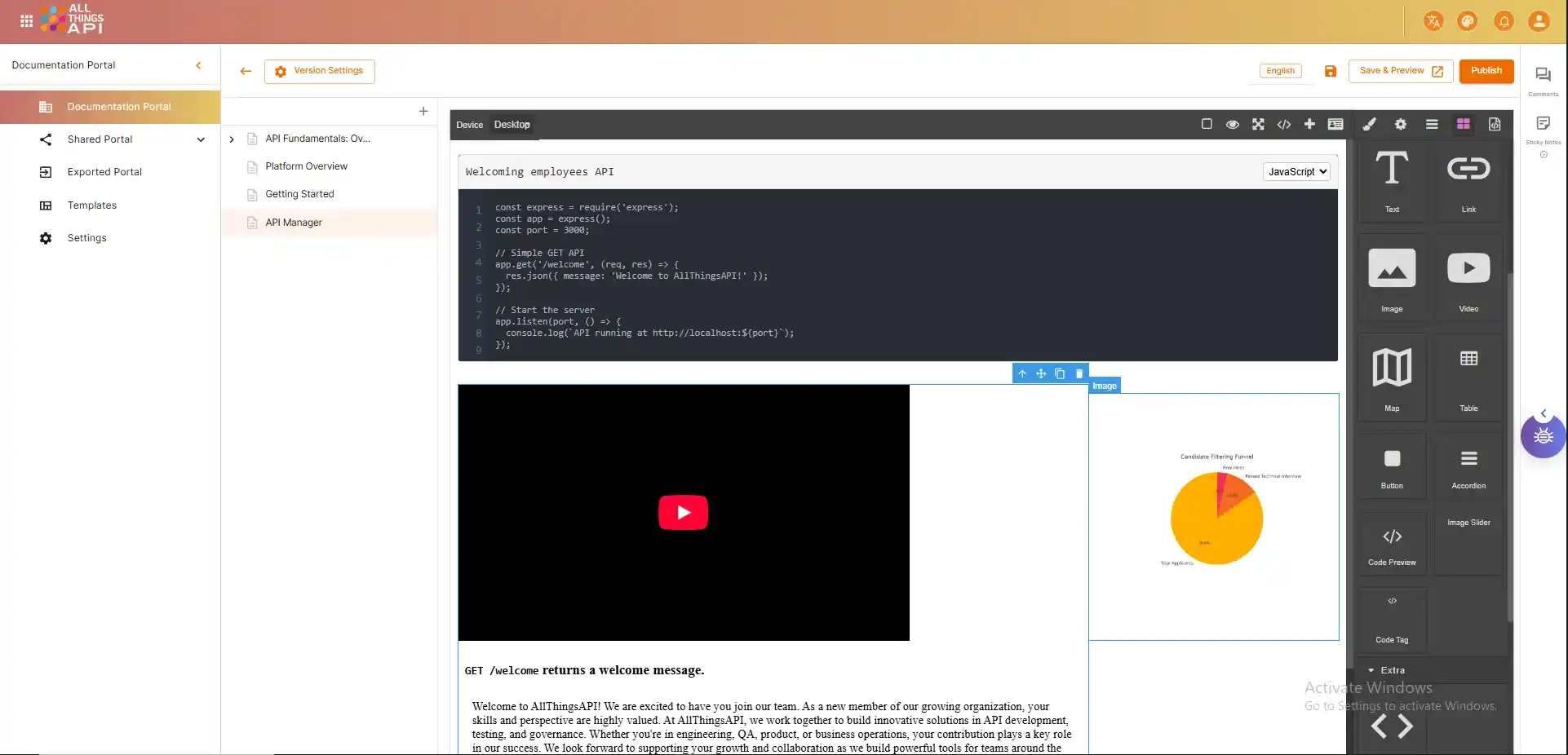
Build and design pages visually with reusable blocks like text, images, videos, buttons, accordions, and more.
Live Preview and Public URLs
Preview documentation in real-time and share it publicly or privately with internal teams and external users.
Collaboration Made Easy
Role-based access, shared views, and structured content editing make teamwork seamless and efficient.
Analytics and Tracking
Gain visibility into how users interact with your documentation using built-in analytics and Google Tag Manager support.
Inside the Documentation Portal
Here's everything the ATA Documentation Portal helps you do
Design & Structure
Product-Based Structure
Organize documentation under specific products for clarity and better management.
Multiple Editors
Write docs using HTML, Markdown, or a no-code designer editor based on your preference and skill level.
Website-Like Layouts
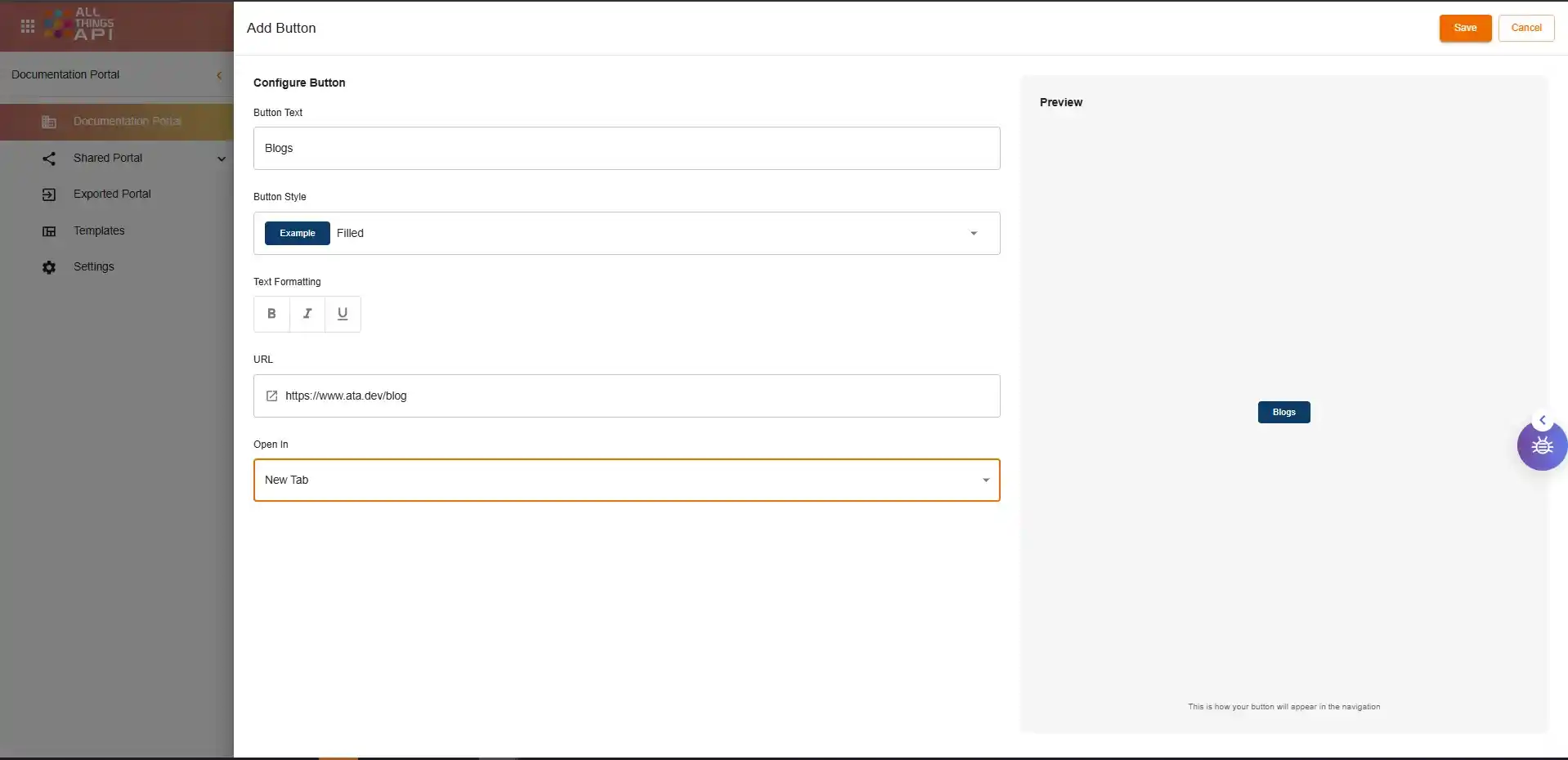
Build custom layouts with headers, menus, and multiple page sections, with no CMS required.
Multilingual Support
Publish content in multiple languages to serve a global user base.
Page & Section Management
Add unlimited pages with structured navigation to create full documentation sites.
Link APIs & External Sources
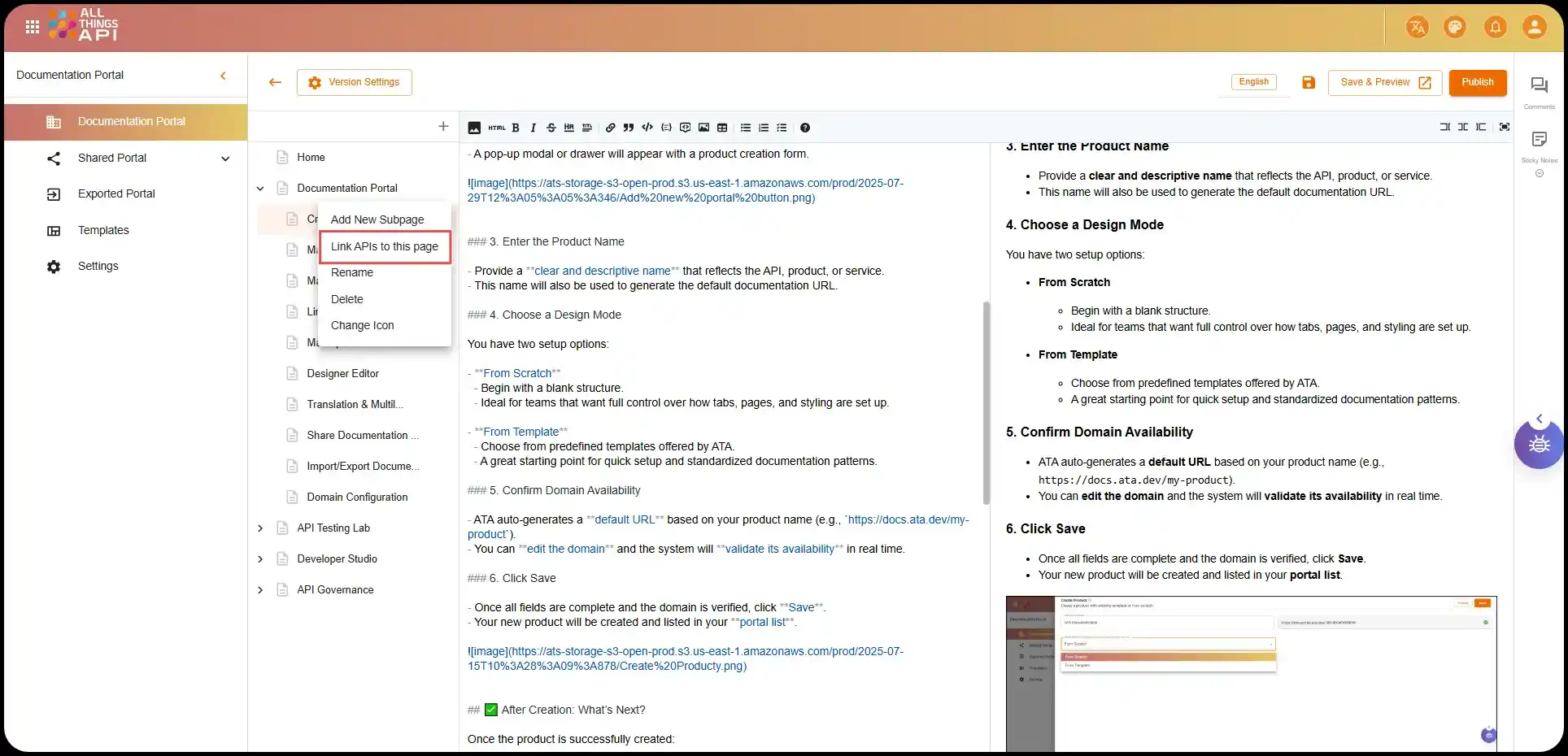
API Linking
Connect your APIs directly to relevant documentation sections for live references.
Live Examples & Specs
Embed OpenAPI specs or schema elements for interactive, in-context usage.
External Source Integration
Link external tools, assets, videos, or data sources directly inside your documentation.
Import Existing Docs
Bring in previous documentation through JSON or ZIP files without losing structure.
Embed Support
Easily add iFrames, media embeds, or third-party widgets where needed.
Versioning & Access Control
Version-Based Documentation
Create and maintain different versions of the same documentation for evolving products.
Publishing Statuses
Mark documentation as Draft, Published, or Archived based on its readiness.
Auth-Based Access Control
Choose from Public, Password-Protected, or ATA Authentication for secure access.
Permission Management
Set view/edit permissions per version or user/team.
Role-Based Publishing
Allow only authorized users to push docs live, keeping accidental changes in check.
Collaboration, Sharing & Distribution
Cross-Team Sharing
Share documentation with individuals, teams, or companies inside the ATA ecosystem.
Export/Import Capabilities
Move documentation across workspaces or archive/export as needed.
Internal & External Distribution
Control visibility between internal teams and external stakeholders.
Custom Share Links
Generate secure, time-bound links for external reviewers or partners.
Password-Protected Docs
Share docs securely outside your organization without needing full ATA access.
Key Benefits for Product Teams & CX Leaders
Use the Documentation Portal to streamline workflows, reduce costs, and accelerate delivery, showing how it helps your teams do more with less.
Lower Support Costs
Provide users with clear, searchable, and always up-to-date content. Reduce inbound tickets by enabling self-service troubleshooting.
Faster Time-to-Market
Quickly create and publish documentation for each product release ensuring go-to-market teams have what they need, when they need it.
Centralized Content Hub
Keep all documentation current and historical in one place. No more outdated PDFs or scattered
Scalable Across Products
From APIs to SaaS platforms to hardware products, scale your documentation across product lines while maintaining consistency.
Enhanced Collaboration
Break down silos. Empower technical writers, product managers, and support teams to collaborate and contribute in real time.
Cost Savings at Scale
By streamlining documentation processes and minimizing the need for manual updates or rework, the platform helps teams stay on budget and reduce operational overhead.
Consistent Branding
Ensure every page aligns with your brand. Customize colors, fonts, and layouts without developer input.
Better User Experience
Make it easy for users to find what they need leading to greater satisfaction and product adoption.
Compliance Ready
Create audit-ready documentation for regulated industries with complete version control and access logs.
Continuous Improvement
Use analytics to refine your content strategy. Identify gaps, popular topics, and drop-off points to enhance user engagement.
Let's talk enterprise
Looking for a customized solution or enterprise-grade deployment?